What I opened
What Hailuo AI is, after sitting in the composer
Hailuo AI is MiniMax’s consumer studio for making clips and stills in a browser. The document title on the day I visited read MiniMax H3 LIVE NOW, top-tier quality, versatile references. I did not take that as a ranking. I took it as the model they wanted me to notice first.
Create Video is text-to-video and image-to-video with MiniMax H3. The prompt box asked me to describe a child flying a kite in a park. Refs sat at 0 of 12 on that screen, which matches the omni-reference story MiniMax publishes for H3: you can feed stills, clips, and audio so a character or product does not drift. I am not going to pretend I stress-tested twelve files in one sitting. I am telling you the control was there, labeled Omni Reference.
Create Image is not a hidden menu. It is a peer tab. When I switched, the placeholder became a sunset over the ocean, and the model chip read GPT Image 2 with 1K Low and 21:9. That is a stills room with its own model name. The Tools page later added Nano Banana Pro and Seedream on the Image Generator card. I keep those names spelled as they appear, and I link them in the model catalog.
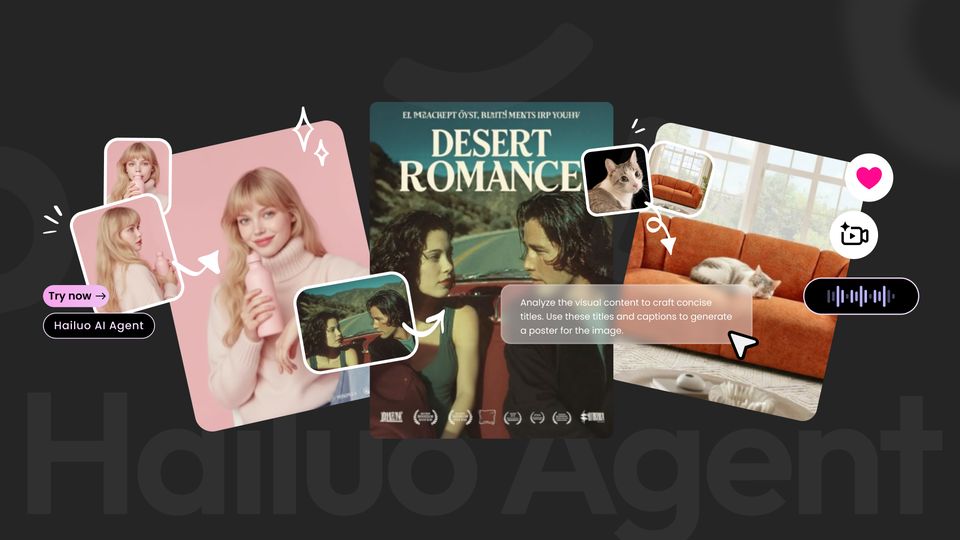
Hailuo Agent is the third tab and a Tools card of its own. Official copy: infinite canvas, making creation simpler. The still I saved from that card shows a blonde with a pink bottle, a Desert Romance poster, and a cat on an orange couch — a board, not a single prompt. If you only want one clip, stay on Create Video. If you want a poster plus a clip without leaving the product, Agent is the room they built for that. For the live product, use the official Hailuo AI website.
Official art I saved
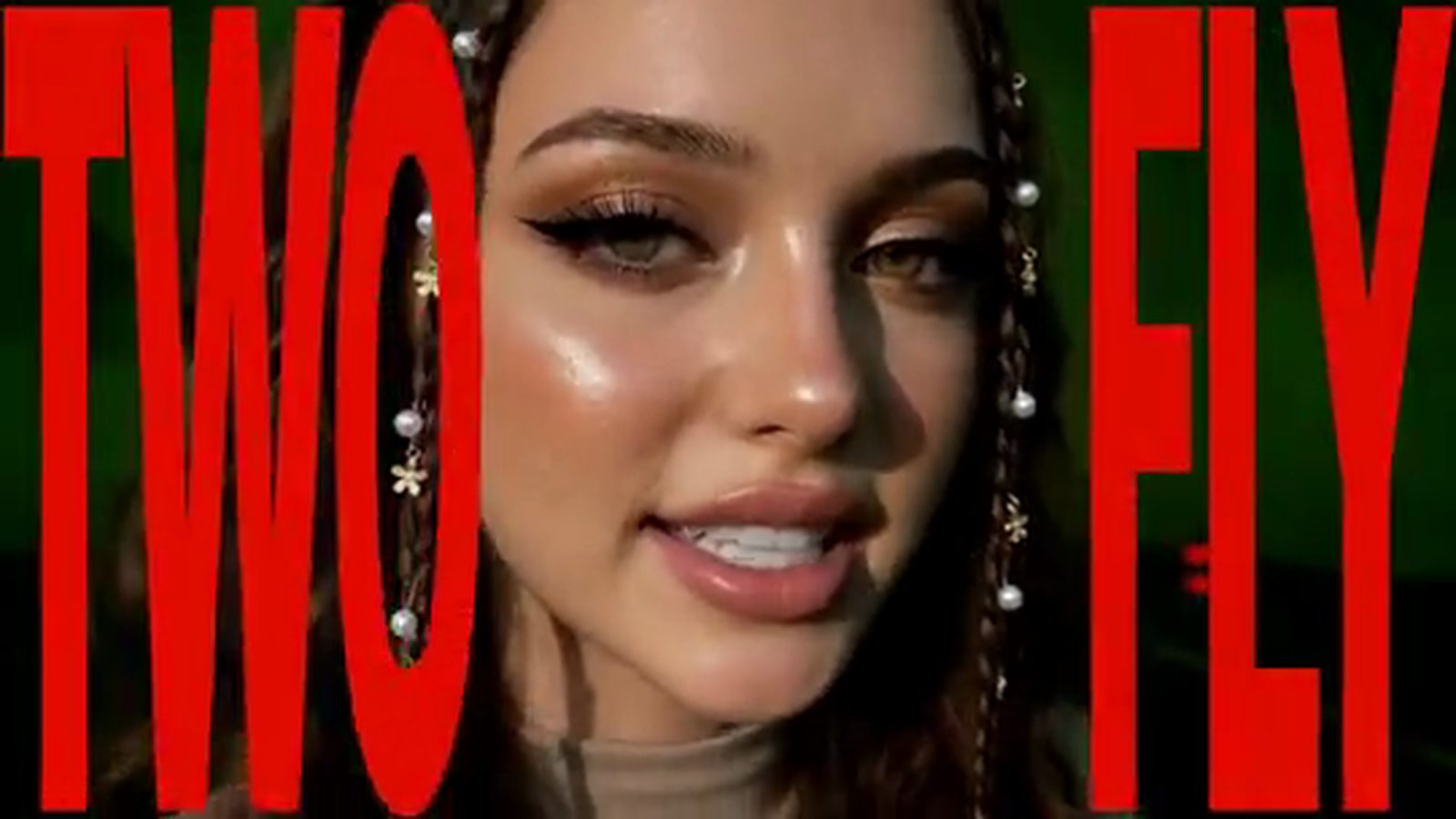
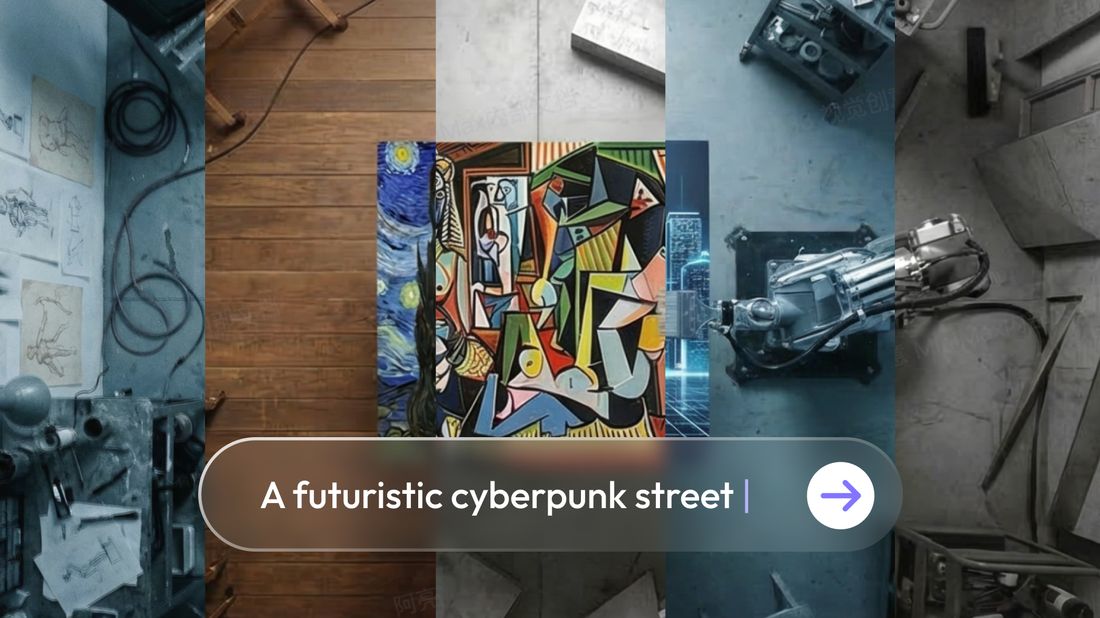
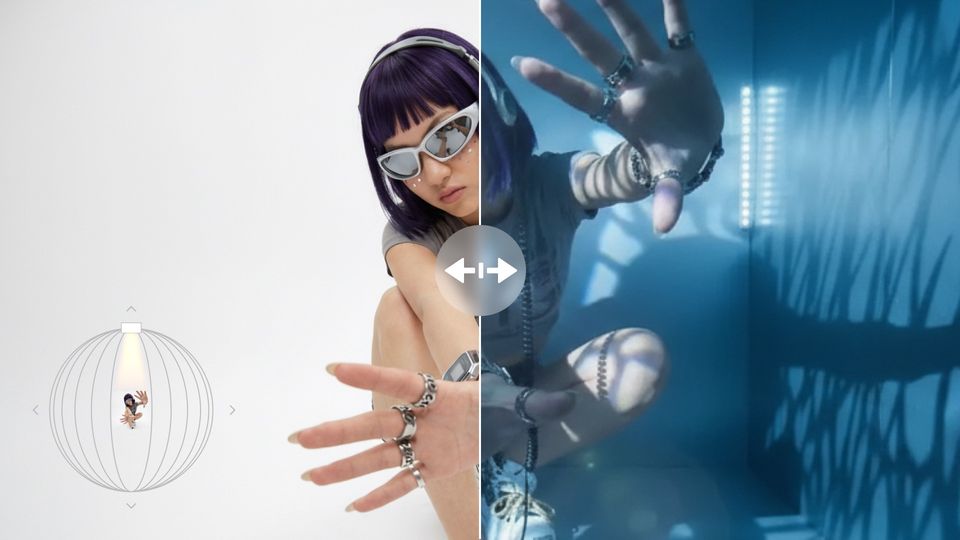
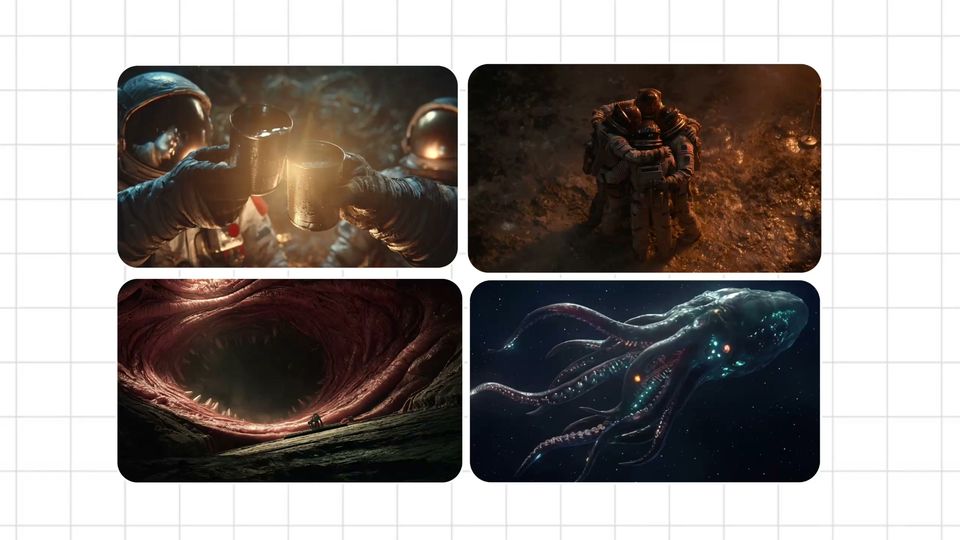
Stills and clips from hailuoai.video, not filler covers
Every picture and clip here is a file I downloaded from their CDN: Tools cards, the H3 tutorials banner, and homepage feed items. I did not generate extra covers to fill a grid. Audio and music stay as short output notes, because I did not save a voice or song file.